Connect Gmail
Choose Connect Gmail and sign in with Google. Check that the address shown is the mailbox you want to clean.
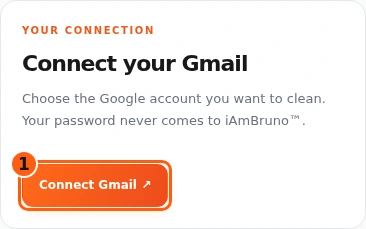
Your Gmail is connected.
Connect Gmail. Start your clean. Review and approve.
Start with these three. Explore the optional extras whenever you need them.
Choose Connect Gmail and sign in with Google. Check that the address shown is the mailbox you want to clean.
Your Gmail is connected.
With access active, choose Check new Inbox mail. Let Bruno prepare the recommendations. You can leave and come back.
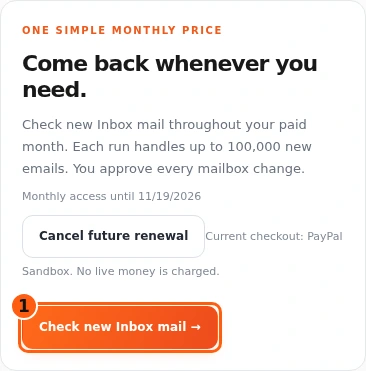
Your recommendations are saved for review.
Check the suggestions, then choose Review all changes. Read the summary and choose Apply reviewed changes when you are happy with it.
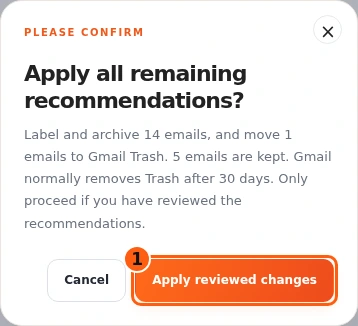
Check the Applied counts for the changes that finished.
Choose what you want to do next.
Choose Mark all as read, check the mailbox and count, then confirm.
The selected unread messages are marked read; they stay where they are.
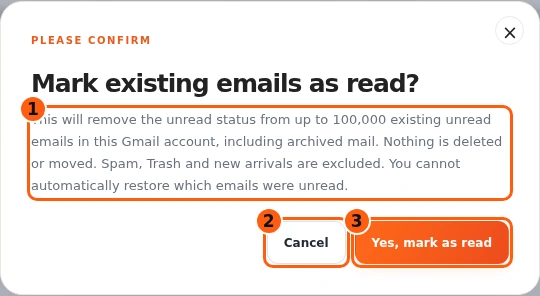
Choose Mark all as read, check the mailbox and count, then confirm. The selected unread messages are marked read; they stay where they are.
Read this extra online ↗Choose View emails on a group to read its examples.
Close the preview and choose Keep on that group if you want those messages left alone.
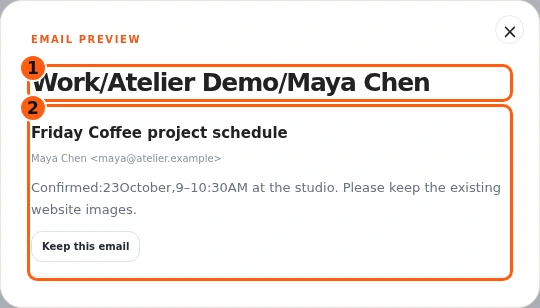
Choose View emails on a group to read its examples. Close the preview and choose Keep on that group if you want those messages left alone.
Read this extra online ↗Use Your purchases to select the saved clean you want.
Your progress and results stay with that Gmail connection.
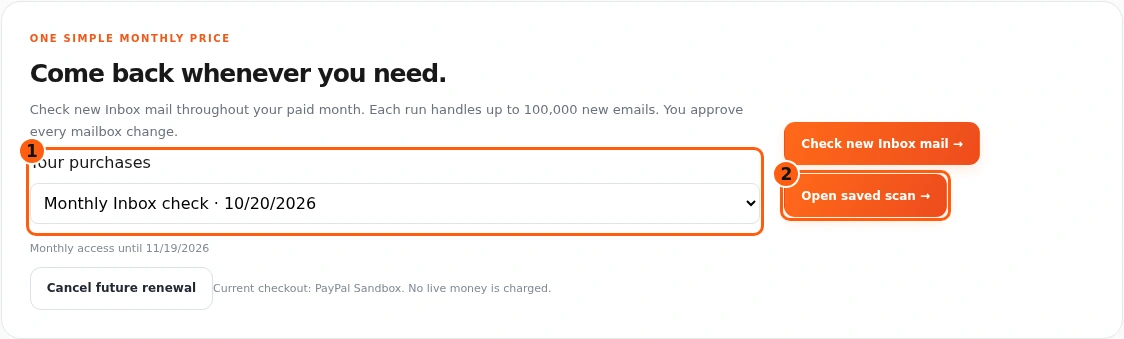
Use Your purchases to select the saved clean you want. Your progress and results stay with that Gmail connection.
Read this extra online ↗Use Cancel future renewal if you want to stop the next renewal. Read the confirmation before proceeding.
Access already paid for remains available through its paid-through date.
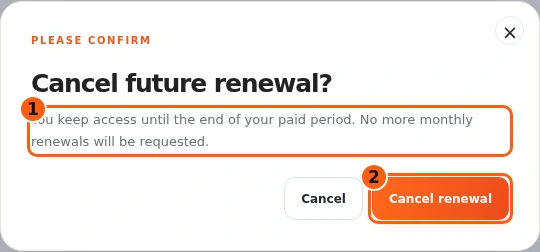
Use Cancel future renewal if you want to stop the next renewal. Read the confirmation before proceeding. Access already paid for remains available through its paid-through date.
Read this extra online ↗Open Gmail Cleaner ↗ · All guides
Need a hand? help@iambruno.com